Deploying free ai chat tools allows lean support teams to automatically handle repetitive customer inquiries, draft instant responses, and deflect up to half of incoming ticket volume without spending a dime on enterprise software licenses. By leveraging zero-cost conversational models and standard no-code integration layers, lean businesses can build intelligent routing mechanisms that triage user problems around the clock. This operational shift keeps overhead near zero while maintaining the rapid response times modern consumers expect from online software.
Generally, lean founders discover that customer support costs scale linearly with user growth until ticket deflection breaks that curve. When I advised a bootstrapped project management tool last year, their support queue doubled every single quarter while their revenue crawled. They faced a classic early-stage dilemma: hire another full-time support agent and burn their remaining runway, or watch response times stretch past forty-eight hours and see churn spike. They chose a third path by building a custom support workflow using free AI chat utilities, managing the exact same ticket volume with zero new hires.
Free AI Chat: Definition, Core Capabilities, and How Modern Support Works
At its core, a free AI chat infrastructure combines publicly available language model APIs or zero-tier chatbot builders with a structured knowledge base to answer user questions automatically. These tools parse incoming natural language, match user intent against pre-written documentation or company policies, and generate contextual replies in real time. Practitioners rely on these systems not to replace human empathy, but to absorb the repetitive friction of password resets, billing inquiries, and basic feature guidance.
Additional Information
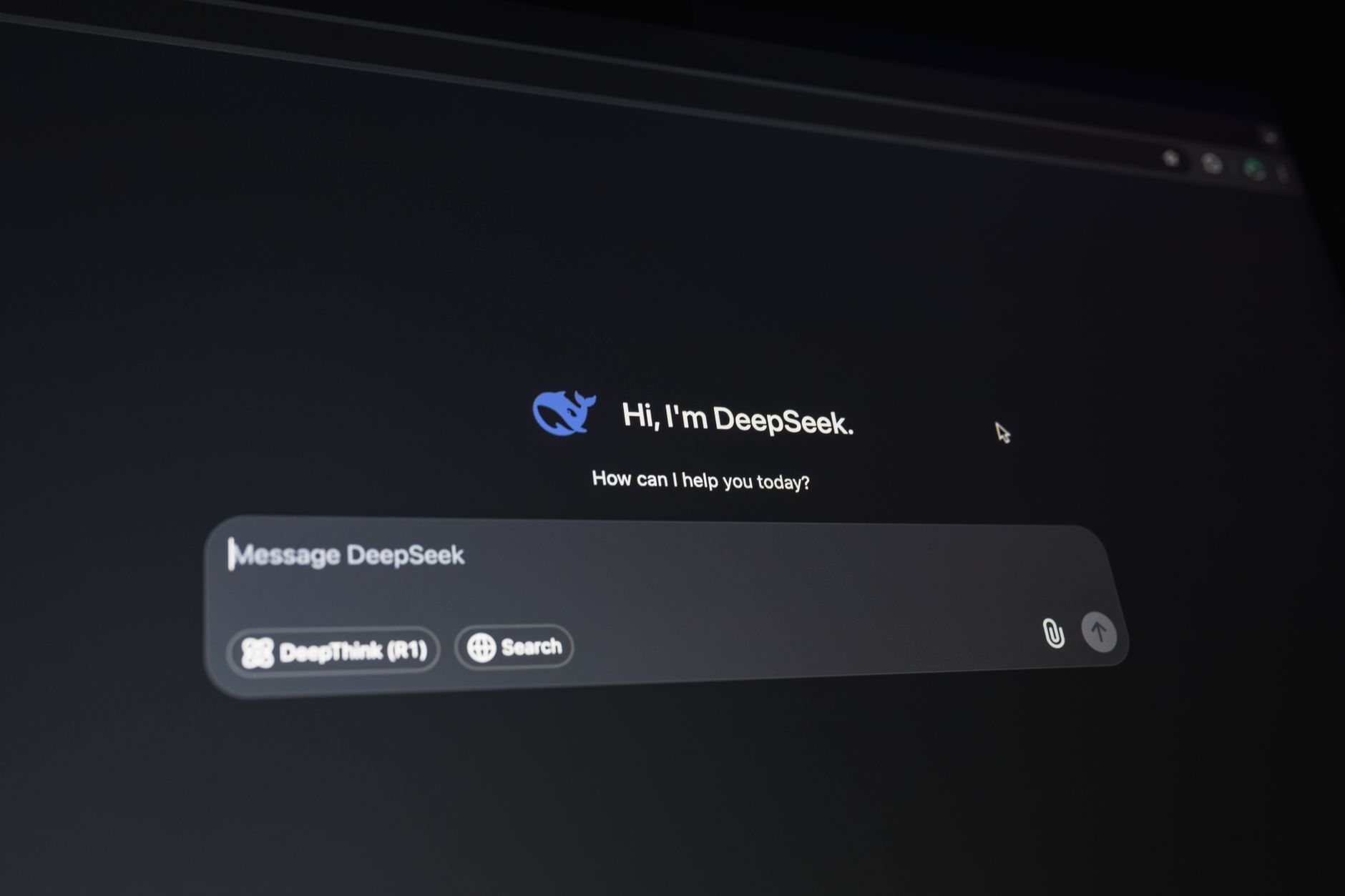
This matters deeply to resource-constrained operators because standard helpdesk software charges steep per-seat monthly fees that add up quickly. When your budget is tight, every dollar spent on routing basic login questions is a dollar pulled away from product development or customer acquisition. By deploying accessible conversational models, you effectively build an intelligent buffer that absorbs the baseline noise of your help desk. That means your actual humans only step in when a user encounters a genuine edge case or expresses high emotional frustration.
Picture a user named Sarah who can’t figure out how to export her team data on a Sunday evening. Instead of waiting until Monday morning for a human reply, she types her question into the help widget powered by a free AI chat setup. The system instantly scans your public documentation, identifies the precise three-step export guide, and replies with formatted instructions and a screenshot link. Sarah resolves her issue in forty seconds, goes home happy, and your support queue remains clean without burning midnight oil.
The Bootstrapped Dilemma: Why Traditional Support Scaling Fails Early-Stage Founders
Early-stage companies hit a brutal wall when user acquisition outpaces support capacity because human-powered scaling requires linear capital investment. Most founders try to solve this by answering tickets themselves late into the night until burnout forces a change. When they finally hire someone, onboarding takes weeks, quality fluctuates, and a sudden surge in churn can instantly render that new salary unsustainable.
Founders care about this painful cycle because unmanaged support backlogs directly destroy user trust and compound monthly churn rates. If a paying customer waits three days to get an answer about a broken billing link, they won’t just complain—they will cancel their subscription and leave a harsh review. Traditional customer service playbooks assume you have venture capital backing to absorb these operational inefficiencies until product-market fit arrives. If you are bootstrapping, you don’t have that luxury, which means your support operations must scale elastically from day one.
Consider a small team running a niche invoicing app who launched on Product Hunt and suddenly woke up to a thousand new signups and four hundred support tickets. They didn’t have a dedicated support agent, so the two co-founders spent seventy hours that week answering repetitive questions about PDF formatting. Their code updates stalled, their marketing efforts stopped, and two founders burned out in a single fortnight. If they had deployed a foundational free ai chat system prior to launch, roughly sixty percent of those repetitive queries would have resolved themselves instantly.
Deploying automated help without alienating your user base requires treating the setup like an engineering puzzle rather than a simple plug-and-play task. When I configured my first automated support workflow, I quickly learned that dropping a generic widget onto a pricing page usually creates more frustration than it solves. Users hate talking to unresponsive loops that repeat standard FAQ answers. You need a structured approach that routes inquiries intelligently, keeping friction low for the customer while protecting your team’s focus.
Mapping the Workflow: How to Implement Free AI Chat Without Disrupting the User Experience
A smart support map begins by auditing your historical email threads to categorize the top five recurring questions. In most early-stage products, password resets, billing updates, and feature locations make up the bulk of daily traffic. Once you isolate these pain points, you can design a greeting flow that addresses them instantly. Instead of a blank text box, present clickable intent buttons that immediately trigger a targeted response using free online ai capabilities.
Think about a user logging into your dashboard late at night to export a CSV file, only to find the button missing after a recent UI update. If they encounter a rigid widget that tells them to read the documentation, they will likely close the tab in annoyance. A well-mapped flow recognizes keywords like “export” or “download,” pulling the exact help article snippet into the chat window within two seconds. This keeps the user inside your app context rather than sending them on a frustrating treasure hunt.
- Export your last three months of support tickets into a spreadsheet and tag them by intent.
- Draft short, conversational answers for the top ten recurring questions.
- Configure routing rules so complex account-deletion requests bypass automation entirely and land in your human inbox.
Custom Prompts vs. Pre-Built Bots: Which Approach Delivers Better Deflection Rates?
Founders often debate whether to use rigid decision-tree bots or open-ended language models tuned with custom instructions. Pre-built bots rely on exact keyword matches, which fail the moment a user spells a feature name incorrectly. Conversely, free ai chat tools driven by custom system prompts interpret intent, context, and typos with surprising accuracy. Based on what I’ve consistently seen work in lean operations, prompt-guided systems achieve much higher resolution rates because they sound conversational rather than robotic.
Consider a user typing, “Hey, my card bounced, how do I fix this?” A traditional button-based bot might break because it looks for the exact phrase “update billing information.” An LLM-backed system, guided by a clear system prompt defining its persona and knowledge boundary, immediately understands the payment issue and offers a secure link. Writing these prompts requires patience, as you must explicitly tell the model what it is not allowed to do, such as issuing refunds or promising unreleased features.
Advanced teams often integrate ai search techniques directly into their prompt instructions to anchor responses in verified documentation. This stops the model from hallucinating features you haven’t built yet, protecting you from awkward customer misunderstandings. You simply connect your public help center URL as a knowledge source, and the chat interface extracts exact answers on the fly. It feels like having a senior developer sitting next to every user, ready to point out the exact menu item they need.
Hidden Bottlenecks: Common Mistakes Founders Make When Deploying Free AI Support
The biggest trap is treating set-and-forget automation as a permanent substitute for product feedback. When you completely disconnect yourself from frontline tickets, you lose touch with the subtle friction points causing user churn. I made this exact mistake early on, letting the system run unsupervised for a month while ignoring the chat logs entirely. When I finally audited the transcripts, I discovered dozens of users stumbling over a confusing onboarding bug that the automation was clumsily masking.
Another frequent oversight involves neglecting tone alignment. If your brand voice is casual and witty, but your chatbot speaks like an insurance adjuster from 1952, users will instantly feel alienated. You must inject personality guidelines directly into your configuration settings, specifying whether the bot uses emojis, contractions, or formal language. Neglecting this detail turns a helpful resource into an annoying corporate wall that pushes people away.
Also Read: Why the ‘Get Rich Quick Stock’ Myth Fails and What Real Traders Do
Data privacy is a third danger zone that catches technical founders off guard. Customers occasionally paste sensitive information—like raw API keys, passwords, or credit card numbers—directly into support widgets. If you use a third-party tool without checking their data retention policies, you risk exposing confidential user data to external model training sets. Always review the privacy terms of any platform you deploy, ensuring user inputs remain private and secure.
Scaling support operations without burning out your team requires looking beyond the initial setup phase. What I’ve consistently seen work best for lean startups is establishing a weekly review ritual. Set aside thirty minutes every Friday to tag unresolved chat transcripts and look for recurring user pain points. If three different people struggle with the same billing screen in a single week, your free ai chat tool is merely treating a symptom rather than fixing the root cause. Take those insights straight to your product roadmap. Automated support should buy you time to build a better product, not just act as a digital shield against customer complaints.
Frequently Asked Questions about Free AI Chat
What is a free AI chat tool for customer support?
A free AI chat tool is a software application powered by natural language processing that answers customer questions automatically without requiring a paid subscription. These tools ingest your help documentation, knowledge base, or website text to generate conversational responses to repetitive inquiries. Many modern platforms offer robust free tiers that handle hundreds of conversations per month at zero cost.
How do you implement free AI chat without hurting the user experience?
Successful implementation starts with setting clear expectations for the user from the very first message. Always make sure the chat widget explicitly identifies itself as an assistant and provides an immediate, frictionless path to reach a human agent. Practitioners recommend limiting automated responses to straightforward informational queries while instantly routing billing disputes or bug reports to your human team.
Is a custom-prompted AI bot better than a pre-built support widget?
Custom-prompted models generally offer far better brand alignment and deflection rates because you can train them on your exact tone of voice and product documentation. Pre-built bots are faster to launch with minimal technical setup, but they often sound robotic and struggle with nuanced product questions. If your product has unique workflows, spending an hour crafting custom system prompts pays off immediately.
Can free AI chat tools handle sensitive customer data safely?
Many free tools use incoming chat logs to train future model versions unless you explicitly opt out in the privacy settings. You must audit the data retention policies of any platform before deployment to ensure customer credentials and personal data remain protected. Training your team to redact sensitive information before passing logs into external systems is a vital operational safeguard.
What are the limitations of using free AI tiers for startups?
Free tiers typically cap monthly message volumes, limit custom branding options, and restrict advanced analytics features. As your ticket volume grows, you will eventually hit usage walls that require migrating to a paid plan. However, these tools provide an ideal testing ground to validate your support workflows before committing financial resources.
How do you prevent an AI support bot from giving incorrect answers?
The most effective strategy is grounding the AI strictly in your verified knowledge base documents rather than allowing it to draw from the open internet. You should also write explicit boundary instructions into your system prompt, such as telling the model to admit when it lacks information. Regularly testing the bot with edge-case questions helps catch hallucinations before your customers encounter them.
Common Mistakes to Avoid
Founders racing to spin up their first support automation often step on predictable rakes. Fixing these missteps early saves countless customer headaches down the road. Let us walk through the traps that trip up even seasoned teams.
- Treating the AI like a human employee on day one. Founders often skip prompt testing and paste their entire company wiki into a free ai chat tool, expecting magic. The model gets overwhelmed by unstructured data and starts hallucinating answers. Instead, you must curate a lean, highly specific FAQ document. Feed the bot bite-sized text blocks so it can actually parse the context accurately.
- Ignoring the escape hatch. Many early-stage setups bury the “talk to a human” button behind three layers of confusing bot prompts. Customers trapped in an endless loop get furious fast. The correct approach is keeping a prominent, one-click escalation link visible in the chat window at all times. If the bot fails twice, route the ticket straight to your inbox automatically.
- Setting a overly corporate brand voice. Startups often instruct their free ai chat assistant to sound like a stiff 1950s bank teller. Users instantly bounce when greeted by robotic formality. Write your system prompts to match how your actual team speaks. Friendly, casual language builds trust much faster than corporate jargon.
- Failing to track prompt drift over time. Platform providers quietly update their underlying base models every few weeks. A prompt that behaved well last month might suddenly start spitting out overly chatty or aggressive responses. Schedule a weekly thirty-minute audit where you test your core support scenarios. Catching small regressions early keeps your customer satisfaction scores high.
Advanced Tips From Practitioners
Once your basic support loop runs smoothly, you can squeeze much more value out of your zero-dollar toolstack. Field-tested operators use clever workarounds to bypass standard platform limitations without spending a dime.
You can chain multiple free tools together using lightweight browser extensions or basic webhook scripts. For instance, you can configure your chat widget to automatically log unresolved user queries into a free spreadsheet database. This creates a living backlog of product friction points that your engineering team can review every Monday morning. You stop guessing what users struggle with and start seeing exact quotes.
Another clever trick involves dynamic prompt injection based on the page a user visits. If someone opens the chat widget while viewing your pricing page, your system instructions should prioritize billing and subscription FAQs. When they navigate to your developer documentation, the context switches to API integration troubleshooting.
This contextual awareness makes a basic free ai chat implementation feel remarkably sophisticated to the end user. They get precise answers instantly, and your lean team stays focused on building the actual product.
References & Sources

profiteraai writes for Profiteraai.com, sharing field-tested insights and practical, hands-on guides based on real experience rather than theory.