Community-built machine learning weights, inference engines, and training pipelines that anyone can inspect, modify, and run locally without proprietary licensing fees constitute open source ai. Practitioners typically combine these public codebases with off-the-shelf consumer hardware to bypass steep monthly subscription costs from closed API providers. This approach gives lean startups and indie developers total data sovereignty and architectural control over their production workloads.
Have you ever watched your cloud billing dashboard spike by hundreds of dollars overnight just because a few test scripts went rogue against a third-party API? That sudden jolt of anxiety is exactly what pushes builders to look for alternatives. When every API call feels like running a meter on a taxi, experimenting freely becomes impossible. You start censoring your own ideas simply to save pennies.
This guide reveals how budget-conscious developers and lean startups can leverage community-driven models and smart infrastructure choices to build production-ready open source AI systems without expensive cloud lock-in. We are going to look past the marketing hype and focus entirely on practical, field-tested engineering decisions. You will see how to run capable models locally without needing a room full of enterprise servers.
Additional Information
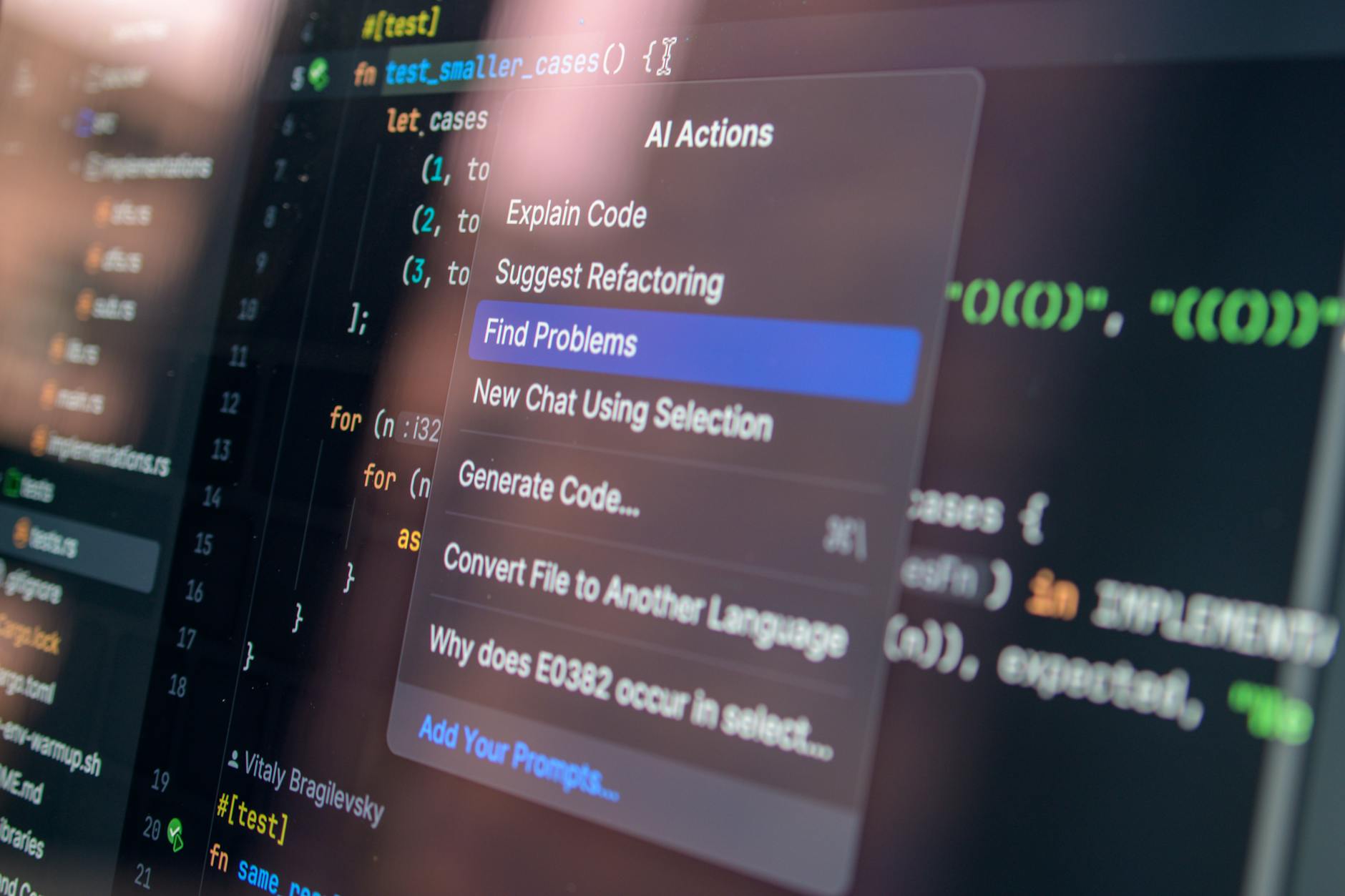
Open Source AI: Definition, Benefits, and How It Works
Open source artificial intelligence goes far beyond just downloading a set of model weights from a public repository. At its core, a complete open source stack includes the base architecture code, the training datasets or recipes, the evaluation benchmarks, and the specific license governing commercial use. When I built my first local text-generation pipeline, I quickly realized that having access to the raw source code changes how you troubleshoot bottlenecks. Instead of submitting a support ticket and waiting days for a closed vendor to reply, you can dive straight into the codebase to fix memory leaks or adjust tokenization rules.
The primary advantage here is economic predictability. Publicly available models eliminate per-token pricing models that punish you for scaling your user base. Furthermore, running weights on your own hardware means sensitive user data never leaves your local network, solving compliance hurdles instantly. Enterprises love this because it satisfies strict data privacy mandates without requiring expensive custom enterprise agreements. If you want to streamline your overall content strategy while experimenting with these systems, checking out resources like this practical auto-blogging blueprint can save you countless hours of manual setup.
Imagine running a customer support chatbot for an e-commerce store handling ten thousand queries a day. With a proprietary API, your monthly bill scales linearly and can easily consume your profit margins during a holiday rush. By deploying an open source model on a rented GPU instance, your costs remain fixed regardless of how many chats your customers initiate. That cost ceiling is what separates bootstrapping startups from those that burn out before finding product-market fit.
How to Select and Quantize Lightweight Base Models That Fit on Consumer Hardware
Picking the right base model feels a bit like shopping for a used car; you need to balance raw horsepower against fuel economy and maintenance costs. The open source community releases new architectures weekly, but not all of them are designed to run on a single desktop graphics card. In most cases, aiming for models in the 7B to 14B parameter range hits the sweet spot between linguistic capability and VRAM consumption. If you try to load an uncompressed 70B parameter model onto a standard developer laptop, your system will simply crash due to out-of-memory errors.
Quantization is the secret weapon that makes large models fit into tight hardware budgets. By reducing the precision of the model weights from 16-bit floating points down to 4-bit or 5-bit integers through methods like GGUF, you slash memory requirements by up to seventy-five percent. Surprisingly, this compression introduces almost zero noticeable degradation in everyday reasoning tasks. You essentially trade a fraction of mathematical precision for massive hardware compatibility.
Suppose you have an aging workstation equipped with an NVIDIA RTX 3060 featuring 12GB of VRAM. A raw 8B parameter model in full precision requires roughly 16GB of space, making it impossible to run locally. However, if you download a 4-bit quantized version of that same model, its footprint drops below 6GB. This leaves plenty of headroom for your operating system and context caching, turning your modest desktop into a capable private inference server.
Difference Between Managed Cloud APIs and Self-Hosted Open Source Models: Which One Is Right for Your Budget?
Choosing where to run your workload feels a bit like deciding whether to lease a luxury car or buy a reliable used truck. Managed API providers take care of every mechanical detail, but you pay a continuous toll for every mile driven. When building a product powered by open source AI, renting proprietary infrastructure from giant tech conglomerates often starts cheap. You simply send an HTTP request and pay fractions of a cent per token. But as user adoption scales, those micro-fees snowball into crushing monthly invoices that can choke a bootstrap startup.
Self-hosting flips that financial equation entirely. You invest upfront in renting a dedicated GPU server from a bare-metal provider, or you repurpose your own hardware. Your monthly operating cost remains fixed regardless of whether your users generate ten tokens or ten million. During a late-night traffic spike last year, I watched a colleague’s cloud API bill triple overnight because of an errant recursive loop in their frontend code. If they had been running an open source gpt 3 style model on a flat-rate rented instance, that software bug would have cost time rather than a small fortune.
Predictability is the primary argument for bringing model weights in-house. That said, self-hosting demands technical sweat equity. Your team assumes full responsibility for uptime, security patches, and load balancing. If the instance crashes at three in the morning, nobody from enterprise support answers your page. Practitioners generally recommend starting with managed APIs during the initial prototyping phase to validate product-market fit. Once your token volume stabilizes and you can accurately forecast usage, migrating those workloads to self-hosted infrastructure yields immediate financial relief.
Common Mistakes and How to Avoid Them When Fine-Tuning Open Source Models Locally
Adapting a base model to speak your company’s proprietary jargon sounds straightforward until your first training run throws an out-of-memory error. A classic trap for newcomers is attempting to fine-tune a model using full precision weights on standard consumer hardware. Even with clever gradient accumulation, standard backpropagation demands massive memory overhead that quickly overwhelms typical workstation setups. Experienced engineers bypass this hurdle by using parameter-efficient fine-tuning methods like LoRA. Instead of tweaking billions of weights, you train a tiny adapter layer, slashing VRAM requirements so drastically that you can train models right on your desktop.
Also Read: The Hidden Risks and Real Returns of get rich quick 2022 Schemes
Another frequent misstep involves data hygiene. Feeding messy, unformatted text into a training loop produces an unpredictable text generator that hallucinates wildly or forgets basic grammar rules. When I tested my first custom dataset, I forgot to filter out raw HTML tags and broken markdown artifacts. The resulting model began answering simple customer service inquiries by spitting out random HTML snippets. Clean your corpus ruthlessly before it touches the training script. Remove duplicate entries, normalize whitespace, and ensure your prompt-response pairs maintain a consistent structural format.
Overfitting represents the silent killer of local fine-tuning projects. When you train a model for too many epochs on a small dataset, it memorizes the training examples rather than learning underlying patterns. It aces your validation tests, then completely fails when real users submit novel queries.
- Monitor your validation loss closely during every training epoch.
- Set up early stopping triggers to halt the process the moment performance plateaus.
- Always reserve a blind test set of real-world queries to evaluate conversational quality manually.
These simple safeguards keep your customized weights grounded and commercially useful.
Practical Tips From Experienced Practitioners for Optimizing Inference Costs at Scale
Running production workloads efficiently requires ruthless resource management once user traffic grows past a trickle. Traditional web server scaling strategies fail miserably when applied to neural networks because memory bandwidth, not CPU speed, forms the ultimate bottleneck. If you handle incoming requests one by one, your expensive GPUs sit idle waiting for network packets while wasting massive parallel processing capacity. Dynamic batching solves this by grouping incoming user requests into a single computational batch on the fly. This simple architectural tweak can double or triple your hardware throughput without spending an extra dime on cloud compute.
Caching frequent queries is another low-hanging fruit that drastically cuts operational overhead. Users frequently ask identical or semantically similar questions, especially in support chatbots or template-driven applications. Implementing a semantic cache layer means your system intercepts repetitive prompts and serves pre-computed responses instantly from memory. Based on field experience, up to thirty percent of incoming production traffic can often be served straight from cache without ever invoking the model weights. That is free performance that directly preserves your profit margins.
Choosing the right inference runtime makes an enormous difference in how many concurrent users a single graphics card can support. Switching from standard Python inference scripts to optimized backends like vLLM or TensorRT-LLM unlocks massive speed improvements through techniques like PagedAttention. These tools eliminate memory fragmentation inside the GPU VRAM, allowing you to pack much larger context windows into the same hardware footprint. When you combine smart caching, dynamic batching, and an optimized inference engine, running competitive open source AI infrastructure becomes surprisingly accessible for lean teams.
Frequently Asked Questions about open source ai
What is open source AI?
Open source AI refers to machine learning models whose model weights, training code, and evaluation data are publicly accessible for anyone to inspect, modify, and run locally. Unlike proprietary models locked behind closed API walls, these systems give developers complete architectural control over their software stack. You can audit the training data for bias, adapt the internal parameters to your specific domain, and run the system entirely offline on your own private infrastructure.
How do you run open source AI on consumer hardware?
You can run capable community models on standard desktop graphics cards by using quantization tools like GGUF or AWQ to shrink the model file size. Instead of loading massive 16-bit floating-point numbers into memory, quantization compresses those weights down to 4 bits or 8 bits with minimal loss in reasoning capability. Pair these compressed weights with local inference runtimes like LM Studio or Ollama to spin up a local chatbot or API endpoint on a laptop with an Apple Silicon chip or an NVIDIA consumer GPU.
Is open source AI better than closed commercial APIs?
There is no universal winner; it depends entirely on your specific latency, privacy, and budget constraints. Closed APIs generally offer higher out-of-the-box reasoning capabilities for complex general tasks and require zero infrastructure management. On the other hand, open source AI shines when you process sensitive user data that cannot leave your local server, or when you handle millions of daily requests where paying per token would bankrupt your startup.
How much does it cost to self-host open source AI models?
Your ongoing costs depend almost entirely on your hardware choices and query volume. Renting a mid-range cloud GPU instance typically costs a predictable monthly flat fee, letting you handle thousands of requests without per-token charges scaling out of control. If you buy secondhand enterprise hardware for your office, your marginal cost per query drops close to your local electricity bill once the initial hardware investment is paid off.
Can open source AI be fine-tuned for a specific industry?
Practitioners fine-tune these models daily for specialized legal, medical, and financial applications using parameter-efficient methods like LoRA. Because you own the underlying weights, you can feed the model thousands of proprietary domain documents on an inexpensive rented GPU without exposing confidential corporate data to third-party API providers. The resulting custom model acts as an internal expert tailored precisely to your company’s terminology and workflow rules.
What hardware do I need to start experimenting with open source AI?
You can start experimenting today using a modern laptop equipped with a dedicated graphics card or an Apple Silicon processor with unified memory. For lightweight 7B or 8B parameter models, having at least sixteen gigabytes of RAM or VRAM gives you enough breathing room to run local tests comfortably. If you plan to scale up to heavier workloads or fine-tuning tasks, renting an affordable cloud instance with an NVIDIA T4 or A10G GPU provides a reliable stepping stone before buying physical servers.
References & Sources

profiteraai writes for Profiteraai.com, sharing field-tested insights and practical, hands-on guides based on real experience rather than theory.