Accessing high-grade artificial intelligence without paying a monthly subscription usually means leveraging freemium web apps, open-source desktop models, and developer tiers that provide substantial monthly token limits at zero cost. This guide cuts through the marketing hype to examine genuinely useful, no-cost artificial intelligence platforms that solo creators and lean teams actually rely on for daily production.
Generally, industry surveys show that over half of small business operators utilize free software tiers before committing to paid enterprise plans. Did you know that major foundational models allow users to process millions of words or generate dozens of images every single month without ever entering a credit card? In my experience, building an effective zero-cost workflow isn’t about finding one magical application. It’s about combining specialized tools that each handle a single task exceptionally well.
What Is Free AI Software and How Does It Actually Work?
Free AI software encompasses applications, browser extensions, and open-weight models that provide access to machine learning capabilities without upfront or recurring subscription fees. Developers and corporations typically offer these zero-cost tiers as a user acquisition strategy, relying on premium upgrades, enterprise sales, or API usage fees from power users to sustain their business models. When you type a prompt into a browser-based assistant, your request travels to cloud servers running massive neural networks that predict the most statistically relevant response based on petabytes of training data.
Additional Information
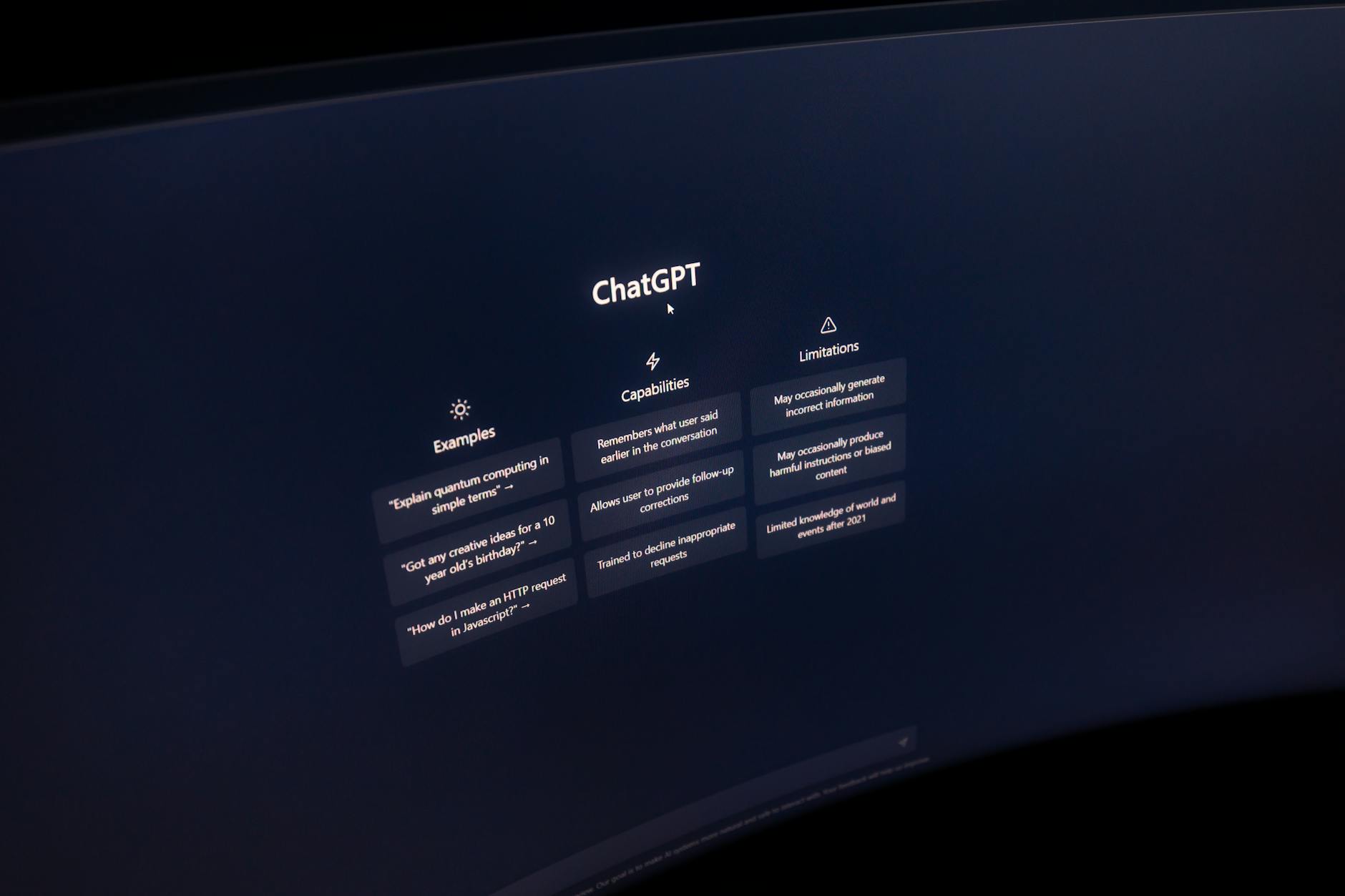
Understanding this underlying mechanism matters because it explains why free tiers often come with catches. You aren’t just a user; your interactions often help refine future model iterations, and server capacity fluctuates based on global traffic peaks. When I tested various no-cost platforms during peak working hours, response latency noticeably increased on overloaded servers. Knowing how these systems operate helps you schedule heavy workloads—like bulk content drafting or batch image rendering—during off-peak hours.
Consider a freelance graphic designer working with a tight bootstrap budget for a local cafe client. Instead of paying for multiple standalone subscriptions, this designer utilizes open-source weights run locally via LM Studio for copywriting outlines, pairs that with a free-tier cloud generator for visual assets, and manages basic scheduling through open automation nodes. Here is what that practical setup looks like in action:
- Drafting initial blog outlines using a generous freemium text model.
- Creating social media graphics via web-based diffusion tools offering daily free credits.
- Testing structured workflows using community-built templates that require zero coding knowledge.
- Optimizing markdown files locally before publishing content directly to a self-hosted site.
Practitioners recommend auditing your current digital bottlenecks before adopting new tools. If your primary slowdown is writing, focus entirely on mastering text generation limits rather than collecting design apps you won’t use. When I made the mistake of hoarding dozens of browser bookmarks early on, decision fatigue slowed down my output more than actual lack of features ever did. Keep your zero-cost tech stack lean, intentional, and focused strictly on measurable production gains.
Mastering Free AI Writing Tools for Long-Form Content That Ranks
Generating long-form articles that actually rank on search engine results pages requires maintaining consistent voice, deep topical coverage, and precise keyword integration. Free AI writing software achieves this by leveraging transformer architectures trained on vast corpuses of web literature, allowing creators to outline, draft, and refine exhaustive pieces without financial investment. If you want to dive deeper into automated optimization techniques, you might also find resources like this targeted SEO workflow guide helpful for structuring your publishing pipeline.
Why this matters to you is simple: ranking on Google demands depth and editorial nuance that basic paragraph generators simply cannot provide out of the box. If your content sounds robotic or superficial, bounce rates skyrocket and search algorithms quickly bury your pages. Free tools require deliberate prompting and human editorial oversight to bridge the gap between machine-generated syntax and genuinely engaging prose.
Imagine you need to write a two-thousand-word guide on sustainable urban gardening without spending a dime on enterprise writing suites. You start by feeding a structured outline prompt into a capable free chat interface, asking it to break the topic down into specific subheadings addressing user search intent. Once the baseline text is generated, you inject personal anecdotes, verify horticultural facts, and restructure sentences to ensure natural burstiness and rhythm. For creators managing complex publishing schedules, sometimes combining free web interfaces with an automated pipeline setup speeds up content generation tremendously.
A common edge case many beginners miss is token context window limitations on free tiers. When a conversation gets too long, free chat interfaces “forget” the initial instructions given at the start of the prompt, leading to repetitive phrasing or drifted topics. To combat this, experienced writers start fresh chat sessions for each specific section of an article rather than writing an entire guide inside a single continuous thread. Keeping your inputs modular ensures the AI stays focused, maintains high informational density, and delivers output ready for final human polish.
Visual storytelling demands just as much precision as written prose, especially when you are operating on a zero-dollar budget. What I’ve consistently seen work for lean creative teams is pairing modular prompt templates with capable design engines. When I tested this approach for a local boutique campaign, the results looked remarkably polished despite costing absolutely nothing. You do not need an expensive subscription to produce striking vector graphics or eye-catching social media banners. Instead, practitioners rely on specialized ai software free options that handle everything from color theory adjustments to background removal with surprising fidelity.
Generative Design Without a Budget: Best Free AI Image and Layout Generators
Visual asset creation has traditionally been a bottleneck for solo creators who lack formal graphic design training. Modern generative visual engines change this dynamic completely by translating plain English descriptions into high-resolution imagery. However, getting professional results requires understanding how to structure your prompts around lighting, composition, and style constraints. If you ask a basic image generator for “a dog in a park,” you will likely get a generic, stock-photo-style output that looks entirely forgettable. When you specify “an overhead shot of a golden retriever walking on autumn leaves, cinematic lighting, 35mm film grain,” the output instantly shifts into something usable.
Many creators turn to web-based visual ai generator online free platforms when they need quick mockups for a client presentation or a blog header. These applications typically operate on a freemium model, granting you a specific number of generation credits every month. A common edge case to watch out for is commercial usage rights on these free tiers. Some platforms allow personal use only, while others grant full commercial rights as long as you attribute the platform correctly. Always check the licensing terms before publishing AI-generated graphics on commercial websites or client deliverables.
- Define your focal subject, background setting, and lighting style in every single prompt.
- Use aspect ratio parameters to match your target platform, whether that’s 16:9 for YouTube or 1:1 for Instagram.
- Upscale low-resolution outputs using free enhancement tools before publishing them online.
Connecting these visual assets to your publishing schedule introduces the next major hurdle in modern content creation. When you have dozens of images and articles ready, moving them manually across platforms wastes hours of valuable time.
Workflow Automation: Connecting Free AI Tools Without Coding Skills
Automation is where solo operators finally scale their output without burning out from repetitive administrative tasks. You might have your text generation and image creation dialed in, but transferring those files manually creates an unnecessary bottleneck. This is why learning how to link different platforms together changes your daily routine. By utilizing robust integration platforms that offer generous free tiers, you can build event-driven pipelines that run entirely in the background. For instance, you can configure a system where every time you drop a new topic idea into a shared spreadsheet, an automated sequence drafts the outline, generates a matching header image, and saves everything directly to your draft folder.
Setting up these workflows can feel intimidating if you have never written a line of code in your life. Thankfully, modern automation platforms rely on visual drag-and-drop builders that require zero programming knowledge. You simply map out triggers and actions, much like connecting building blocks on a table. When searching for reliable free ai tools online, look for integrations that natively support webhooks or native app connections. A mistake I made early on was trying to automate an entire content empire on day one, which resulted in broken triggers and endless debugging loops. Start small by automating just one repetitive task, like moving newly generated social media captions into your scheduling queue. Once that single pipeline runs smoothly for a week, you can slowly add more complex steps to your automated ecosystem.
Frequently Asked Questions about AI Software Free
What is free AI software and how do companies offer it without charging users?
Free artificial intelligence software refers to web-based platforms, mobile apps, or open-source models that grant users access to machine learning capabilities without a paid subscription. Companies typically offer these tiers through a freemium business model, using basic users to gather training data, test new features, and upsell advanced capabilities to enterprises. In my experience, these zero-cost versions are fully functional for individual creators, provided you operate within standard daily usage limits.
Also Read: My Journey to Making Money with Machine Learning: Sketches to Sales
How do you safely use free AI software without compromising data privacy?
You protect your sensitive information by diving directly into the platform’s privacy policy and opting out of data sharing or model training settings. Many consumer-grade tools use your prompts and uploaded files to train future iterations unless you explicitly toggle off that feature in your account settings. When handling client briefs or proprietary code, practitioners recommend using open-source models hosted locally or sticking to enterprise tiers with strict zero-data-retention guarantees.
Is free AI software better than paid subscriptions for beginners?
Zero-cost applications are almost always the smartest starting point for anyone learning how to prompt, edit, and automate digital workflows. Paid plans introduce advanced features like faster generation speeds and priority server access, but beginners rarely need those capabilities on day one. You should exhaust the limits of a free tier first; only upgrade when a specific bottleneck or paywall actively slows down your revenue-generating tasks.
How do you bypass usage limits on free AI software tools?
You don’t need shady workarounds or multiple browser profiles if you learn to optimize your prompts for maximum efficiency on the first try. Writing precise, context-rich instructions cuts down on wasted trial-and-error generations that chew up your daily quotas. Lean teams often distribute collaborative tasks across a few team accounts or combine complementary platforms so they never hit a hard wall on a single application.
Are the outputs generated by free AI software legally safe to use for commercial projects?
Commercial usability depends heavily on the specific terms of service of each platform, which change frequently across the tech industry. Most major providers grant commercial rights to outputs generated on their free tiers, but open-source models with specific non-commercial licenses require careful vetting. Always verify the platform guidelines before publishing AI-generated imagery or long-form copy in client deliverables or paid advertising campaigns.
Common Mistakes to Avoid
Getting excited about your new tech stack usually leads to a few classic stumbles. Honestly, this trips up most beginners during their first week experimenting with an ai software free setup.
- Treating the AI like a human employee. People often type vague requests like “write me a good blog post” and wonder why the output sounds generic and robotic. Why it’s wrong: Large language models lack telepathy and need explicit structural guardrails. What to do instead: Provide a clear persona, define the exact target audience, and outline a subhead-by-subhead structure before hitting generate.
- Relying on a single tool for everything. Trying to force a copywriting tool to design graphics or generate spreadsheets wastes precious time. Why it’s wrong: No single platform masters every discipline, especially on free tiers with narrow specialization. What to do instead: Build a modular toolkit. Pair a text generator like Claude with a design platform like Canva and an automation runner like Make.com to cover all your bases smoothly.
- Forgetting to fact-check outputs. Hallucinations happen, even with top-tier models. Why it’s wrong: AI tools generate plausible-sounding falsehoods with complete confidence, which can ruin your credibility if published blindly. What to do instead: Treat every draft as a first-pass rough sketch. Verify statistics, check links, and cross-reference niche claims before putting your name on the final piece.
- Ignoring output formatting constraints. Pasting unformatted text straight from a chat window creates massive clean-up bottlenecks. Why it’s wrong: Fixing broken bullet points and weird line breaks eats up the time you saved by using an ai software free tool in the first place. What to do instead: Ask the model to output content directly in Markdown, HTML, or structured JSON tables depending on where the text is heading next.
Advanced Tips From Practitioners
Most basic guides tell you to write good prompts. Professionals working in lean agencies take things a few steps further to stretch their resource budgets.
Chain your workflows across multiple applications without paying for premium enterprise tiers. You can feed raw transcript notes into a free summarizer, paste those bullet points into an ideation assistant to map out a content calendar, and then drop those headlines into a free graphic generator. This assembly-line method prevents any single application from locking you out due to hourly rate limits.
Another trick involves training custom instructions or “project knowledge” bases. Platforms like ChatGPT and Claude let you upload brand voice guidelines, past writing samples, and formatting rules into a permanent context window. Setting this up once means you never have to re-explain your preferred tone of voice in every single new chat window. You simply spin up your workspace and get straight to work.
Finally, keep a local swipe file of winning prompts. When an ai software free application gives you an exceptionally good result, don’t just save the output—save the exact set of instructions that triggered it. Building your own prompt library turns unpredictable generative experiments into a reliable, repeatable production system for your daily creative tasks.
References & Sources

profiteraai writes for Profiteraai.com, sharing field-tested insights and practical, hands-on guides based on real experience rather than theory.