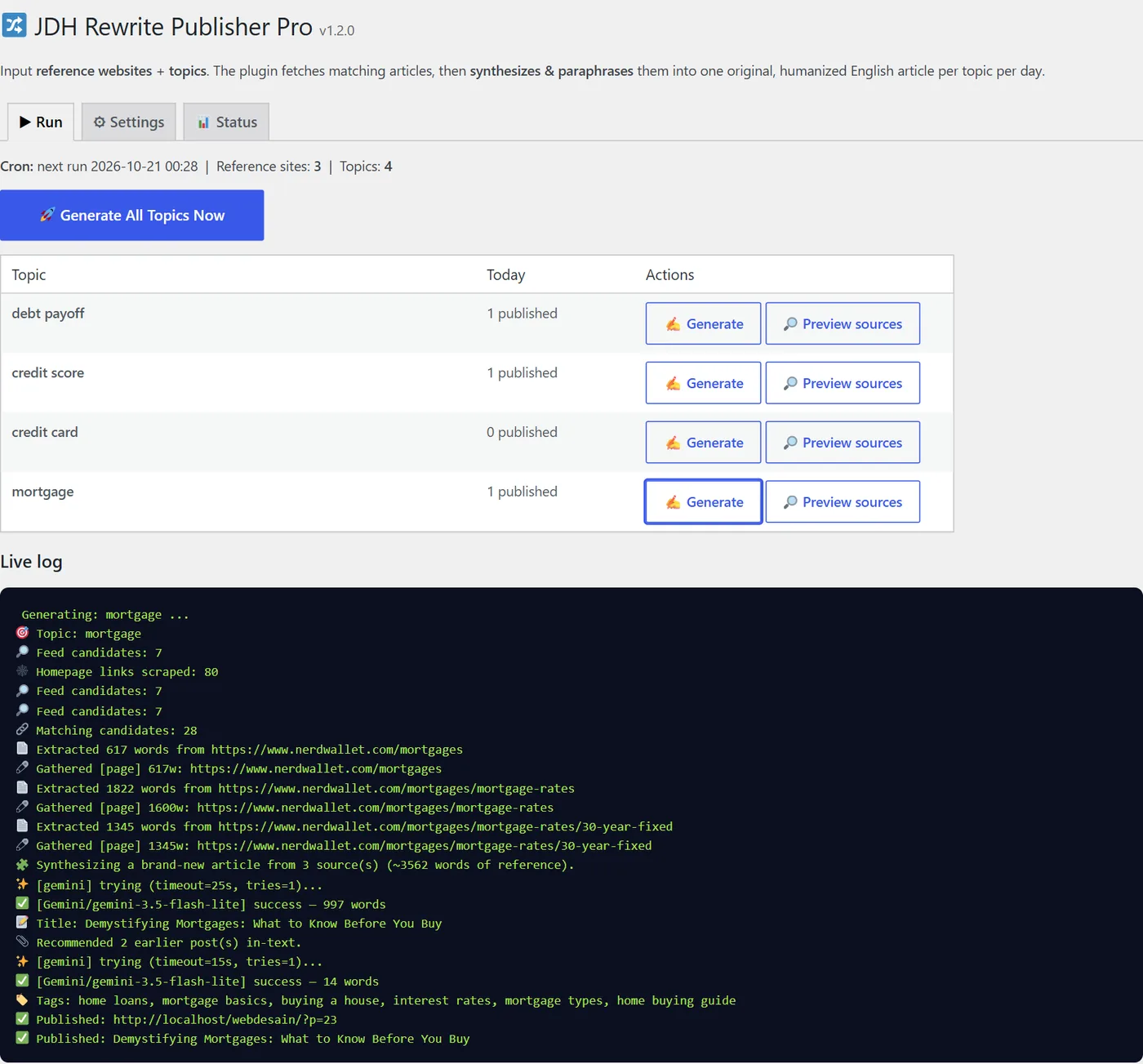
Disclosure: this plugin is made by our team. The numbers on this page come from our own test runs on a fresh WordPress site on October 20, 2026 — including the runs that failed.
How it works
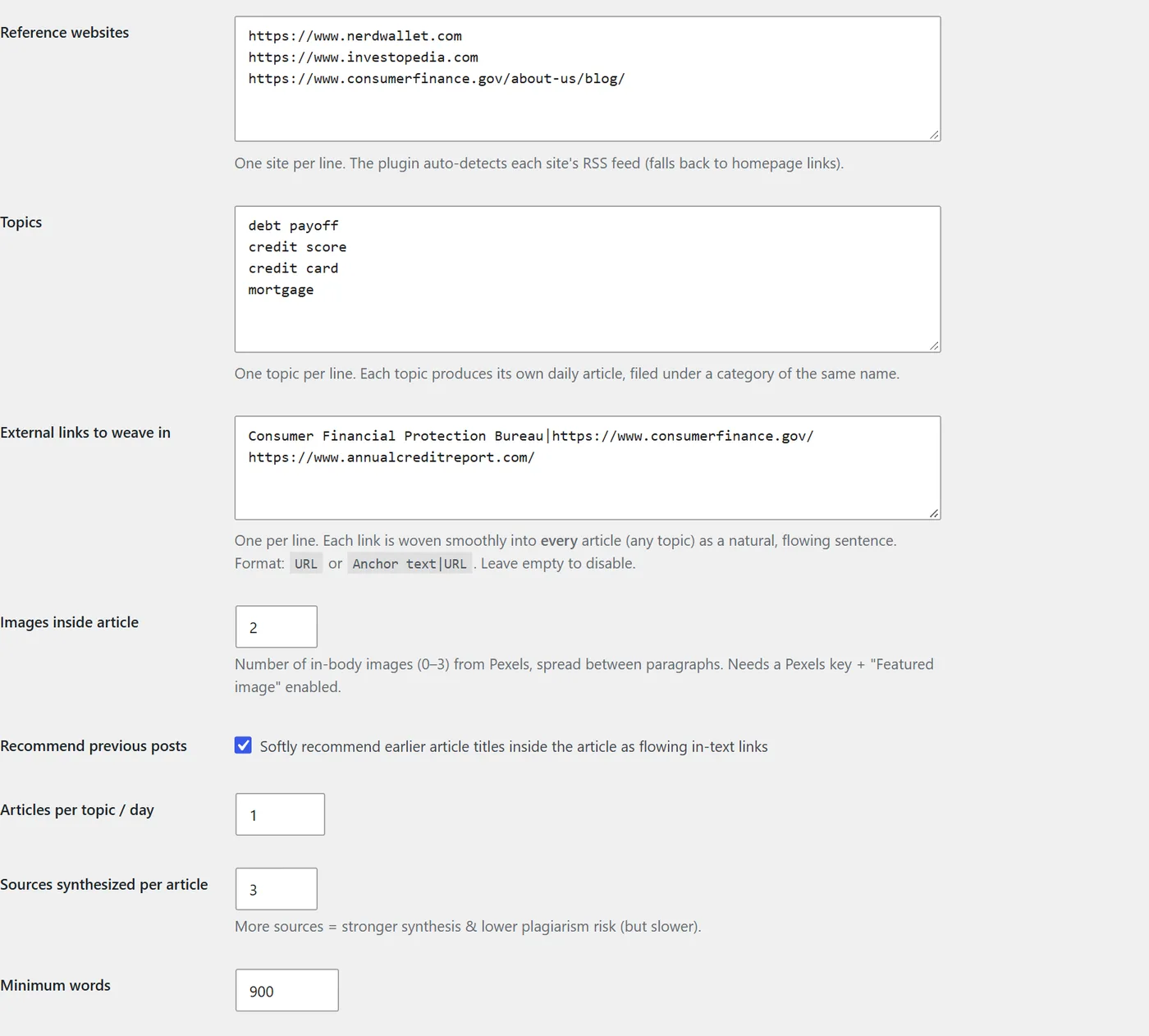
- Add reference websites — the publishers you would happily cite. It finds their RSS feeds automatically.
- Add topics — specific themes those sites cover, such as "mortgage" or "credit card".
- Add one free AI key. Gemini, Groq, Cerebras or Z.AI; add several for automatic rotation.
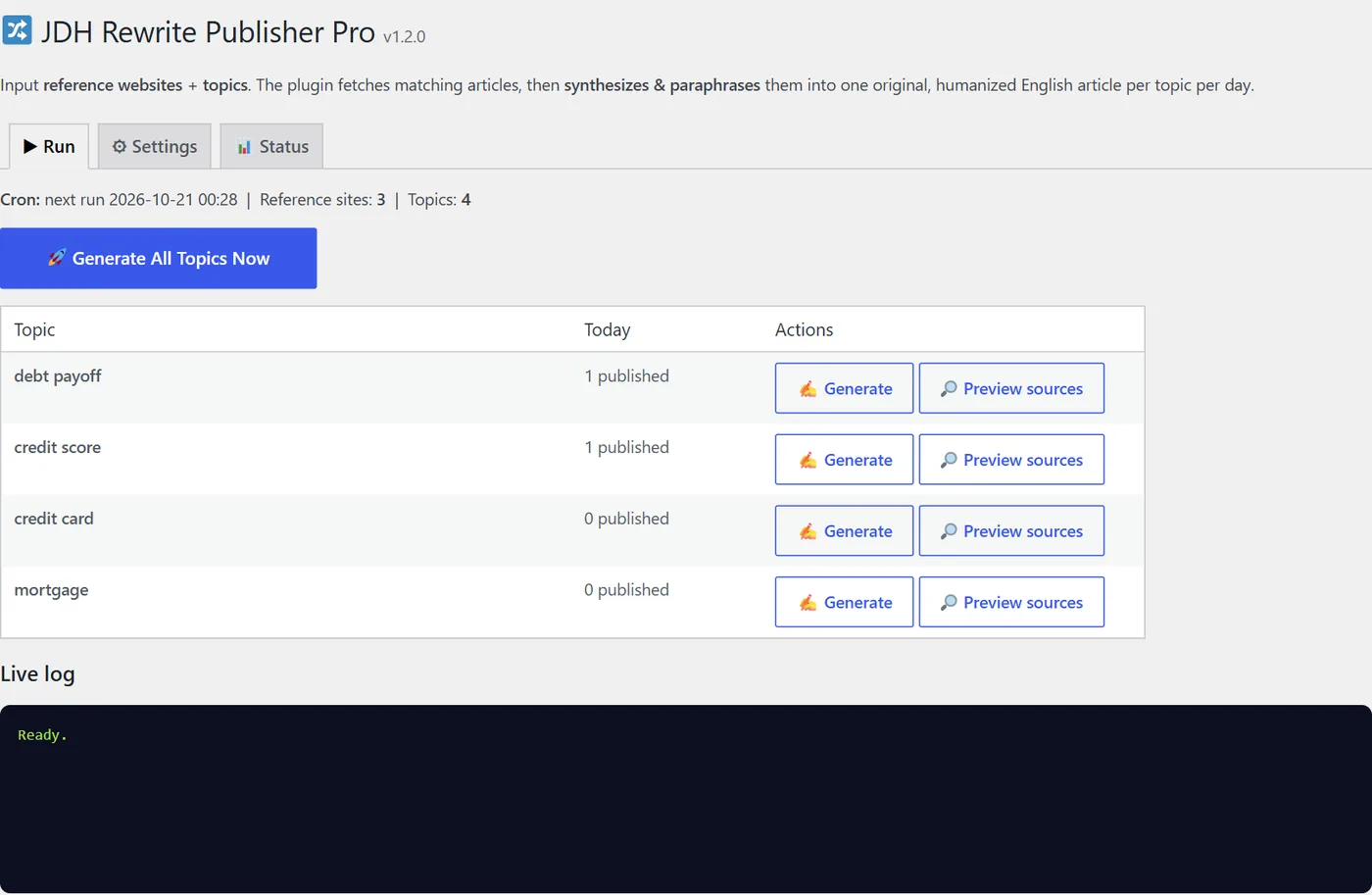
- Preview, then generate. It matches articles to each topic, reads up to four, and writes one new article that synthesizes them.
- Review and publish — or let the daily schedule publish for you.
Our test results
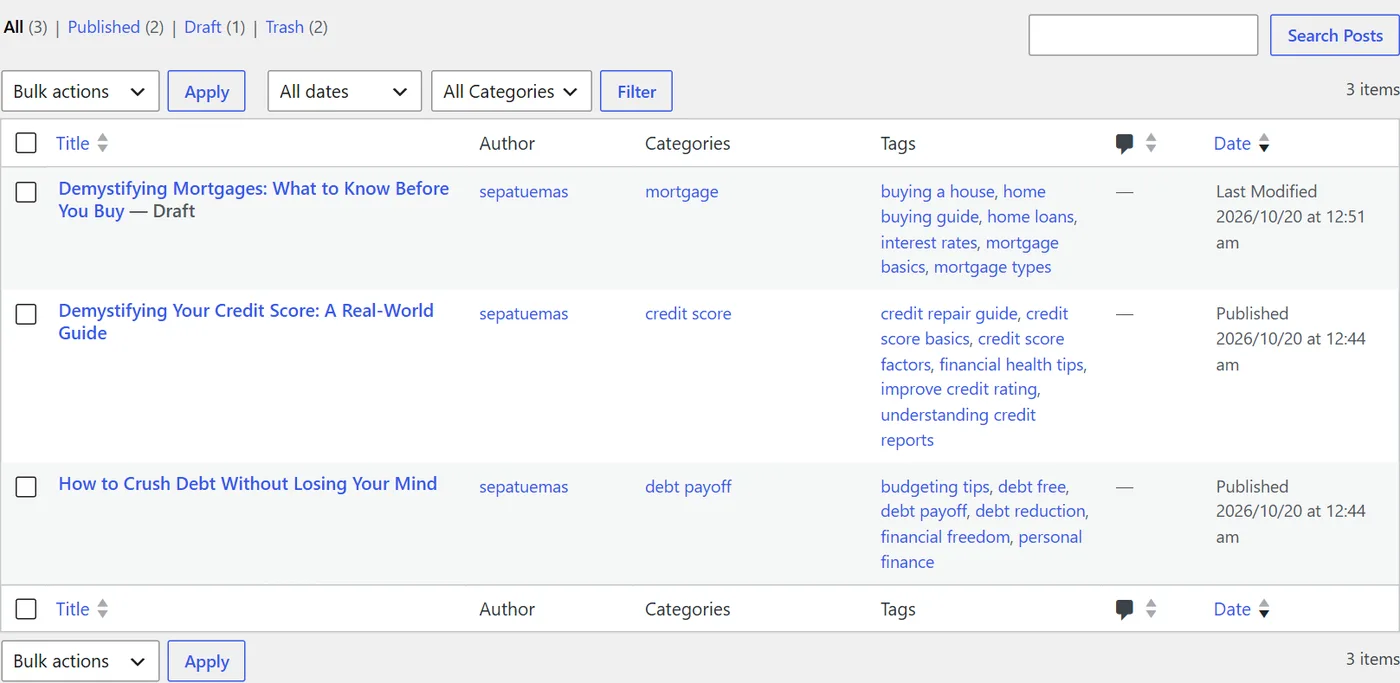
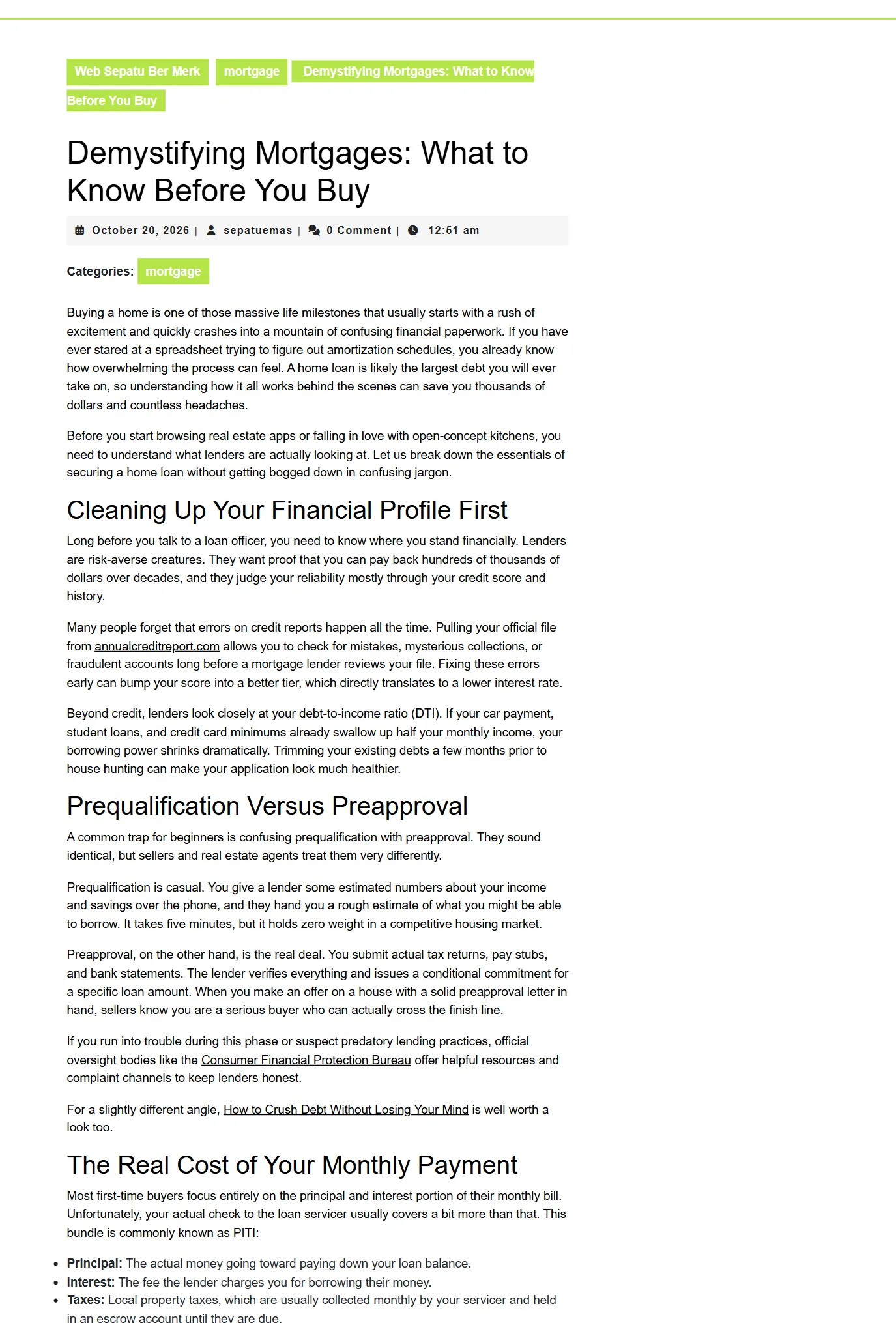
- Worked: "debt payoff" (1,300 words), "credit score" (970 words), "mortgage" (997 words, 3 sources). Each post got its own category, six relevant tags, two links to earlier posts and the outside links we chose.
- Failed honestly: "budgeting" found no matching article on our three finance sources, so nothing was written. Preview sources shows this before you spend an AI call.
- Blocked sources: one publisher refused automated reading (HTTP 403); the plugin fell back to the feed text and other sources.
Who it is for — and who it is not for
For bloggers and small publishers who know their niche, trust a handful of sources, and want a solid daily first draft they can edit in ten minutes.
Not for anyone who wants to publish hundreds of unedited AI posts. That is "scaled content abuse" under Google's spam policies, and no plugin makes it a good idea. The guide shows a review routine that keeps the content genuinely useful.
FAQ
Does it copy articles?
No. It gathers facts from several matching articles (three by default) and asks the AI to write a new article with its own structure and wording. In our test, three sources totalling about 3,560 words became one new 997-word article. You should still review every post and credit the sources you relied on.
Which AI do I need?
At least one key from Google Gemini, Groq, Cerebras or Z.AI. Free tiers are enough for a few articles a day. Add keys from two providers for reliable daily runs; the plugin rotates and falls back automatically.
How fast is it?
In our tests on a normal WordPress install, one article took 42 to 76 seconds, including reading the sources.
Will it publish automatically?
Yes, once a day per topic, or save drafts for you to review. We recommend drafts until you are happy with the output. Add a real cron job on your host so posts appear even on days with no visitors.
What if my topic finds nothing?
Use Preview sources first: it lists matching articles without calling the AI. If a topic finds zero matches (in our test "budgeting" did), choose a more specific topic or add a section URL of the source site.
Is it safe for SEO?
Used as intended — one reviewed, useful article per topic per day — yes. Mass-publishing unedited AI posts is against Google's spam policies, and the guide explains how to avoid that. The plugin does not promise rankings or "undetectable" text.
What do I get?
The plugin zip (version 1.2.0), free 1.x updates, and the 15-page review and setup guide (PDF). You can read the full guide on this site before buying.
Can I use it on several sites?
Yes, on websites you own or manage for your own business. Reselling or redistributing the plugin is not allowed.
What if it does not work on my host?
Email us with your WordPress version and the live log. If we cannot make it work, you get a full refund within 14 days.
License: your own websites, no resale. Refund policy · Terms · Full guide